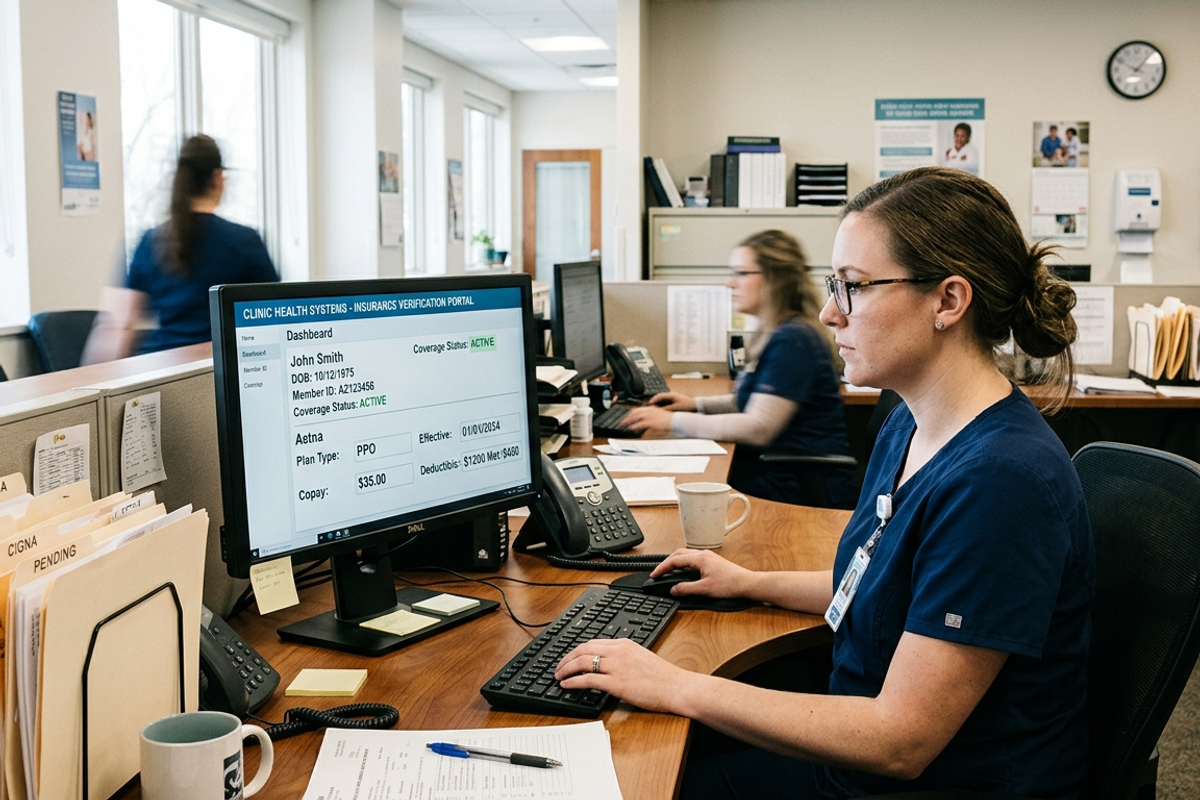
The Problem
Staff had to move between Practice Fusion, Availity, patient records, payer-specific forms, OTP prompts, exported results, and backend uploads for every patient scheduled for eligibility processing.
Small differences in payer names, login state, browser behavior, and file handling could interrupt a run or create inconsistent results.
Cross-system repetition
Staff repeatedly copied appointment, patient, and insurance data between the EHR and payer portal.
Payer variation
Different payer names and portal paths required prioritized matching and payer-specific processing rules.
Authentication friction
OTP prompts and stale browser profiles could interrupt otherwise unattended runs.
Inconsistent output
Browser print behavior did not produce a sufficiently predictable record for storage and audit.
The Solution
1. Build the work queue
The Practice Fusion automation enumerates appointments, visits patient profiles, and stores the eligibility fields in a machine-readable queue.
2. Normalize patient and payer data
Payer names and related fields are matched against prioritized rules so the correct workflow and result sections can be selected.
3. Complete the Availity workflow
Selenium handles login state, cookies, field entry, dropdowns, submission, result detection, and OTP entry when the portal requests it.
4. Create a consistent record
The full result page is captured through Chrome DevTools Protocol and converted to PDF with the insured ID included in the filename.
5. Deliver and monitor
The PDF and patient metadata are uploaded through the configured API, while daily logs and error summaries support troubleshooting and reruns.
EHR-to-payer queue
Upcoming appointments and patient data are collected into a structured processing queue.
Payer-aware automation
Normalization and matching rules select the appropriate Availity workflow.
Isolated OTP handling
A dedicated handler polls the configured service, tries multiple selectors, and submits within a defined timeout.
API-ready PDF delivery
Consistent PDFs and patient metadata are uploaded with identifier mappings and fallback behavior.
Key Features
These were the standout elements that made this solution effective.
Loading-state checks reduce dependence on fixed delays in the browser workflow.
Failed patients or uploads remain identifiable and can be retried without blindly restarting the full run.
Full-page capture and image-to-PDF conversion produce a consistent artifact.
Endpoints, keys, payer mappings, and scheduler settings are not hard-coded into the main workflow.
Daily INFO, ERROR, and DEBUG records make production troubleshooting more practical.
Tech Stack
Let’s Build Your Idea!
Inspired by the success of Availity Eligibility Automation: From EHR Appointments to API-Ready PDFs? Let's talk.